RK Cosmos Login Problems: Forgot Password, Account Locked, OTP Issues
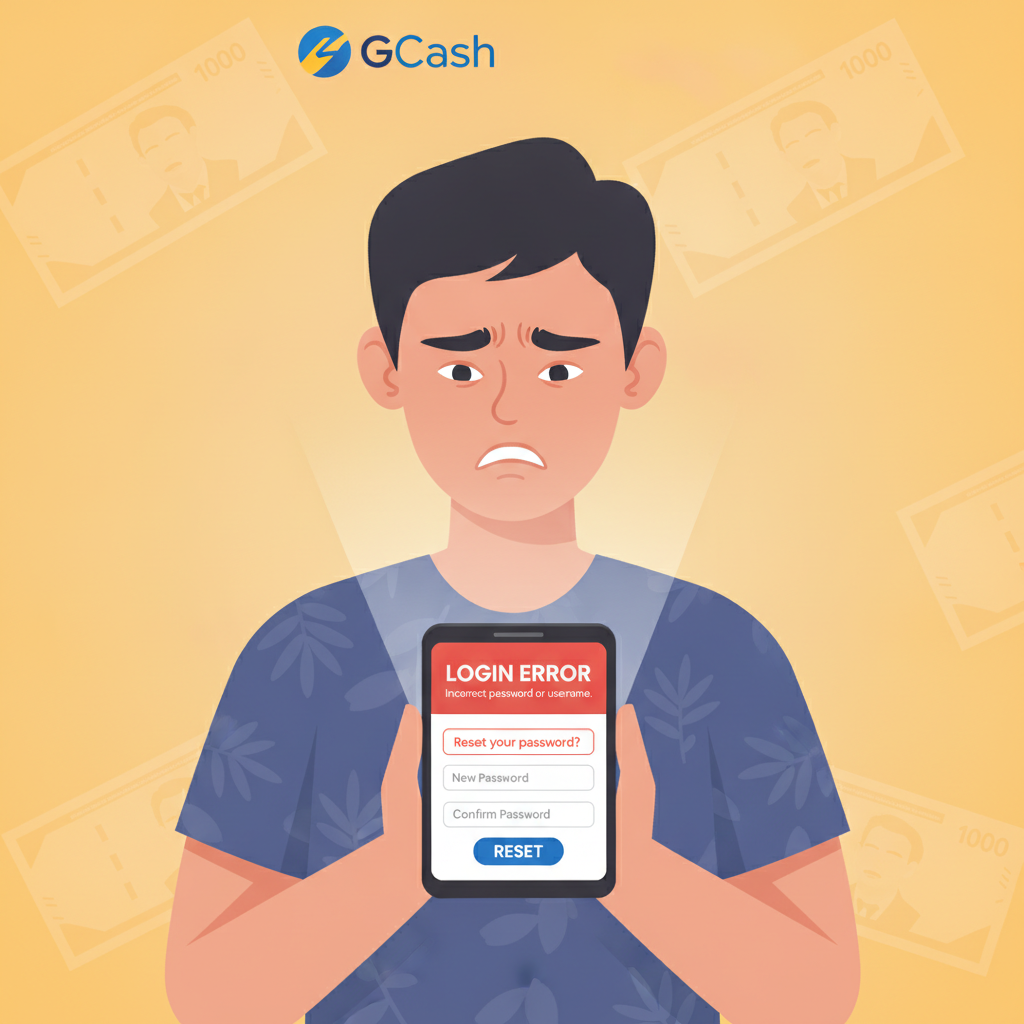
RK Cosmos Login Problems: Forgot Password, Account Locked, OTP Issues
Login issues can lock you out of RK Cosmos when you want to place a bet or check your balance. This guide walks through the most common RK Cosmos login problems Filipino players face—forgotten passwords, suspended accounts, OTP codes that never arrive, and app errors—with step-by-step fixes you can try on your phone.
How to Reset Your Password if You've Forgotten Login Credentials
If you can't remember your RK Cosmos password, the platform offers a self-service reset process through the login screen.
On the RK Cosmos website (mobile or desktop browser):
- Go to the RK Cosmos login page.
- Tap or click "Forgot Password?" below the password field.
- Enter the mobile number or email address tied to your account.
- Check your phone for an SMS or your inbox for an email containing a password-reset link or code.
- Tap the link or enter the code on the reset page.
- Create a new password—use at least eight characters, mixing letters, numbers, and symbols for better security.
- Confirm the new password and log in.
On the RK Cosmos Android app:
- Open the app and tap "Login."
- Tap "Forgot Password?" at the bottom.
- Enter your registered mobile number or email.
- Wait for the SMS or email with the reset link or OTP.
- Follow the instructions to set a new password.
- Return to the app and log in with your new credentials.
If the reset link or code doesn't arrive within five minutes:
- Check your spam or junk folder if you requested an email reset.
- Make sure the mobile number on file can receive SMS (some VoIP numbers or old SIMs may block messages).
- Wait a few minutes and request the reset again—multiple rapid requests can delay delivery.
- If nothing arrives after 15 minutes, contact RK Cosmos customer support through live chat or the official help email. Have your registered mobile number and any account details ready to verify your identity.
What to Do if Your Account is Locked or Shows 'Suspended'
Seeing "Account Locked" or "Account Suspended" when you try to log in usually means RK Cosmos has temporarily restricted access. Common reasons include failed login attempts, incomplete verification, or account-security flags.
Account locked after wrong password attempts:
RK Cosmos may lock your account for a short period—often 15 to 30 minutes—if you enter the wrong password multiple times in a row. This is an automatic security measure.
- Wait 30 minutes without trying to log in again.
- After the cooldown, use the correct password or reset it if you're unsure.
- Avoid guessing repeatedly; each failed attempt can extend the lock.
Account suspended or under review:
A suspension typically requires support intervention. Possible triggers include:
- Incomplete or expired ID verification (e.g., your uploaded government ID wasn't readable or has lapsed).
- Unusual deposit or withdrawal activity flagged for review.
- Multiple accounts detected from the same device or address (RK Cosmos limits players to one account per person).
- Violation of terms, such as underage play or collusion.
Steps to resolve a suspension:
- Contact RK Cosmos customer support immediately via live chat (usually available on the site footer) or email.
- Provide your registered mobile number, username, and a brief description of the issue.
- If asked, re-upload a clear photo of your government-issued ID (passport, driver's license, or national ID) and a selfie holding the ID.
- Check your email or SMS for any messages from RK Cosmos explaining the suspension—sometimes they'll request additional documents or clarification.
- Wait for the support team to review. Processing times vary, but most verification-related suspensions are lifted within 24 to 48 hours if you submit clean documents promptly.
Do not create a second account while waiting; that will extend or make permanent any suspension.
Troubleshooting OTP or SMS Verification Codes Not Arriving
RK Cosmos sends one-time passwords (OTPs) by SMS for login authentication, withdrawals, or account changes. If your code doesn't arrive, try these fixes.
Check signal and network:
- Make sure your phone has mobile signal and can receive SMS. Airplane mode or roaming restrictions can block messages.
- If you're on Wi-Fi only (no active SIM), you won't get SMS. Switch on mobile data or ensure your SIM is active.
Confirm the mobile number on file:
- Log in on a browser or contact support to verify the registered mobile number. If you changed SIMs or numbers, RK Cosmos will send OTPs to the old number unless you updated your profile.
- Update your number through account settings or ask support to change it (you may need to verify your identity first).
Wait and avoid spam requests:
- OTP messages can take one to five minutes during peak hours.
- Don't tap "Resend" more than twice in quick succession—telco systems may flag repeated OTPs as spam and delay them further.
Check your phone's SMS app:
- Some Android phones filter promotional or automated messages into a separate "Spam" or "Other" folder. Open your default SMS app and look beyond the main inbox.
- Unblock any accidentally blocked numbers if you previously marked casino messages as spam.
Try a different verification method:
- If RK Cosmos offers email OTP as a fallback, switch to that option in the login or withdrawal screen.
- Some platforms allow in-app authentication; check settings for any toggle between SMS and email verification.
Still no OTP?
Contact RK Cosmos support. They can resend the code manually, confirm the number on record, or temporarily disable OTP so you can log in and update your contact details.
Clearing App Cache or Switching Browsers to Fix Login Errors
Login errors like "Session expired," "Unable to connect," or a blank screen after entering your password often stem from cached data or browser issues.
On the RK Cosmos Android app:
- Open your phone's Settings and go to Apps or Application Manager.
- Scroll to RK Cosmos and tap it.
- Tap Storage, then Clear Cache. (Do not tap "Clear Data" unless you're prepared to log in fresh—it will erase saved preferences.)
- Return to the home screen, force-close the app, and relaunch it.
- Try logging in again.
If clearing cache doesn't help:
- Uninstall the RK Cosmos APK and re-download the latest version from the official RK Cosmos website (never install casino APKs from third-party stores).
- Restart your phone before reinstalling to clear residual files.
In a mobile or desktop browser:
- Clear cookies and cache for the RK Cosmos site:
- Chrome (Android): Tap the three dots > Settings > Privacy and security > Clear browsing data. Select "Cookies" and "Cached images," choose "All time," and confirm.
- Safari (iOS): Go to Settings > Safari > Clear History and Website Data.
- Close and reopen the browser, then navigate back to RK Cosmos and log in.
Try a different browser:
If you normally use Chrome, open RK Cosmos in Firefox, Opera, or your phone's built-in browser. Sometimes extensions, outdated versions, or local settings interfere with login scripts.
Check your internet connection:
- Weak or unstable Wi-Fi can cause login timeouts. Switch to mobile data or move closer to your router.
- Restart your router if other apps also struggle to connect.
Disable VPN or proxy:
RK Cosmos may block logins from VPN IP addresses or proxies to comply with geolocation rules for Philippine players. Turn off any VPN app and connect directly through your local ISP.
Update your app or browser:
Outdated versions may have compatibility bugs. Check Google Play for RK Cosmos app updates, or update Chrome/Safari in your phone's app store.
If none of these steps work, screenshot the exact error message and send it to RK Cosmos support along with your device model and OS version. They can identify server-side issues or push a fix.
21+ Only and Responsible Gaming Reminder
RK Cosmos is strictly for players aged 21 and above. Online gambling should remain a form of entertainment, not a way to solve financial problems or recover losses.
Play responsibly:
- Set a deposit limit in pesos that fits your budget before you start each session.
- Never chase losses or borrow money to gamble.
- Take breaks and log out if you feel frustrated or distracted.
- Use RK Cosmos responsible-gaming tools—such as session reminders, deposit caps, or self-exclusion—if you need help controlling your play.
If you or someone you know is struggling with gambling, reach out to local support services or speak to a trusted friend or counselor.
In summary: Most RK Cosmos login problems—forgotten passwords, locked accounts, missing OTPs, and app errors—can be solved with password resets, cache clearing, or a quick message to support. Keep your contact details current, double-check your network, and avoid repeated failed login attempts. For issues that persist beyond these fixes, RK Cosmos customer support is your best resource to restore access and get back to betting or playing.